How it works
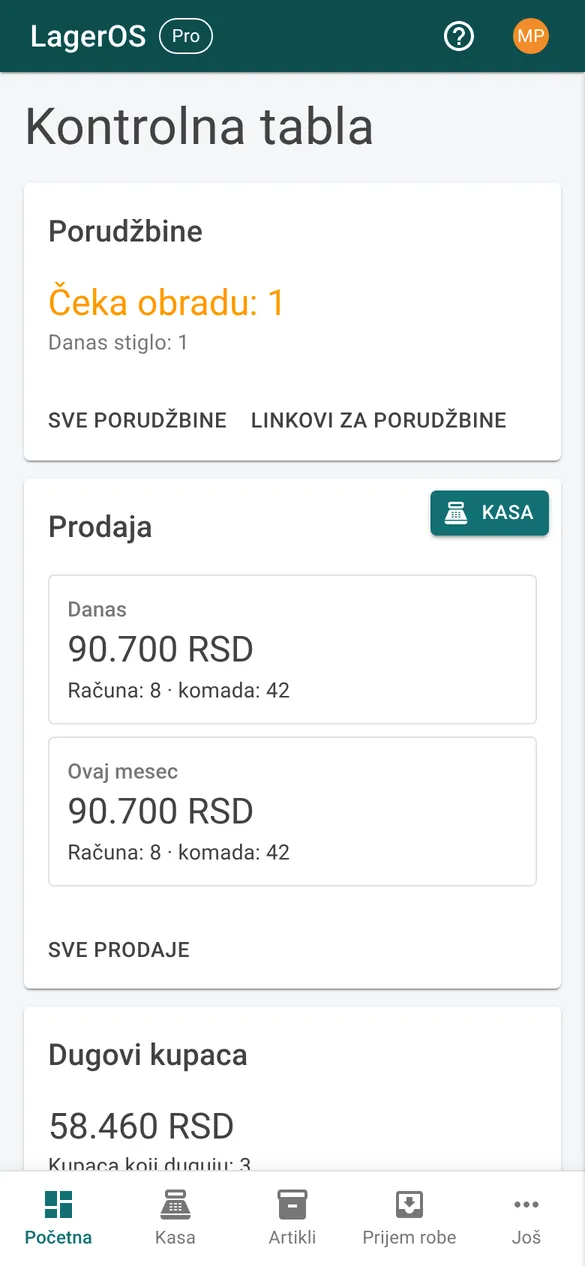
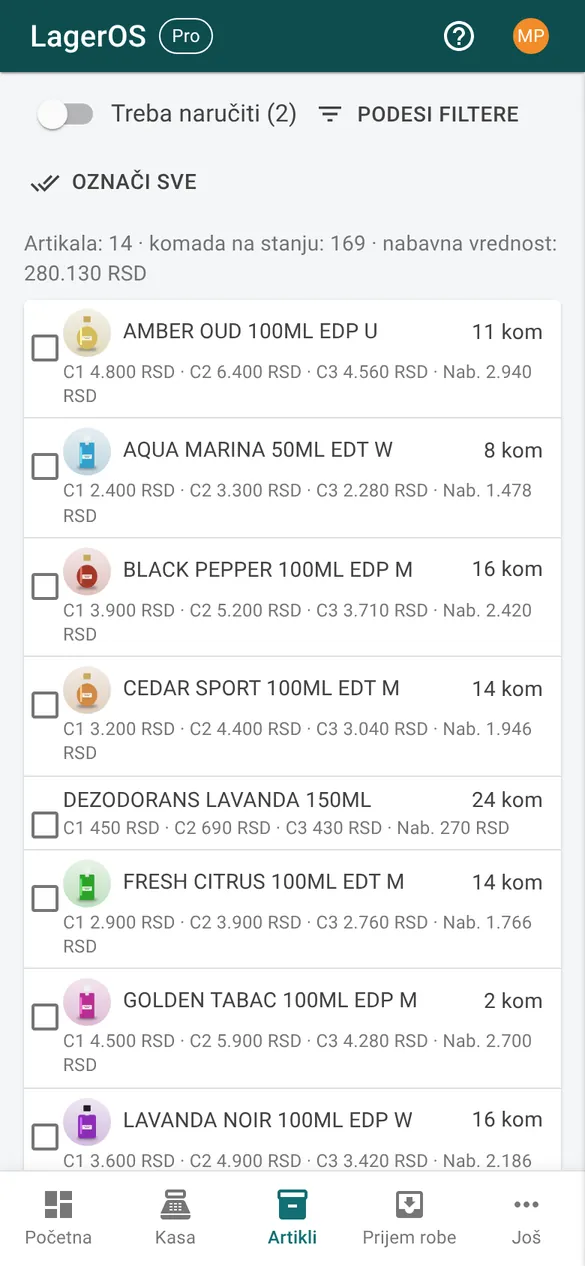
Short clips from a phone, in a demo company with made-up data (app shown in Serbian). On a computer it looks the same, only wider, and a barcode scanner replaces the camera.
Selling by scanning
- In Checkout, scan the items with the camera or a scanner.
- A second scan of the same code adds a piece, and the price fills in by itself.
- Save the receipt: stock is reduced, and you can print the receipt or send it to the customer.
Receiving goods
- In Receiving, choose the supplier.
- Scan the items and enter the quantity and purchase price.
- Save, and the goods are in stock.
Sharing an item
- Open an item and add a photo; the first photo becomes the main one.
- Share item creates a public page with the photo and price.
- Send the link via Viber, WhatsApp or Facebook.
On a phone
Want to try it?
The first month is free. Packages start at €10 a month.